Getting started only takes a few minutes.
Before beginning, you’ll need access to your Swallow API keys
Use your Swallow account to access the API section where your MCP credentials are stored.
If you’re new to Swallow, you can register for an account and we’ll provide your credentials during onboarding. If you already have a swallow.app account, you can find your MCP credentials in Settings → API → Copy the User Keys

Open Claude Desktop and navigate to the Customise area where MCP servers can be configured.
You’ll be adding a new external MCP connection.
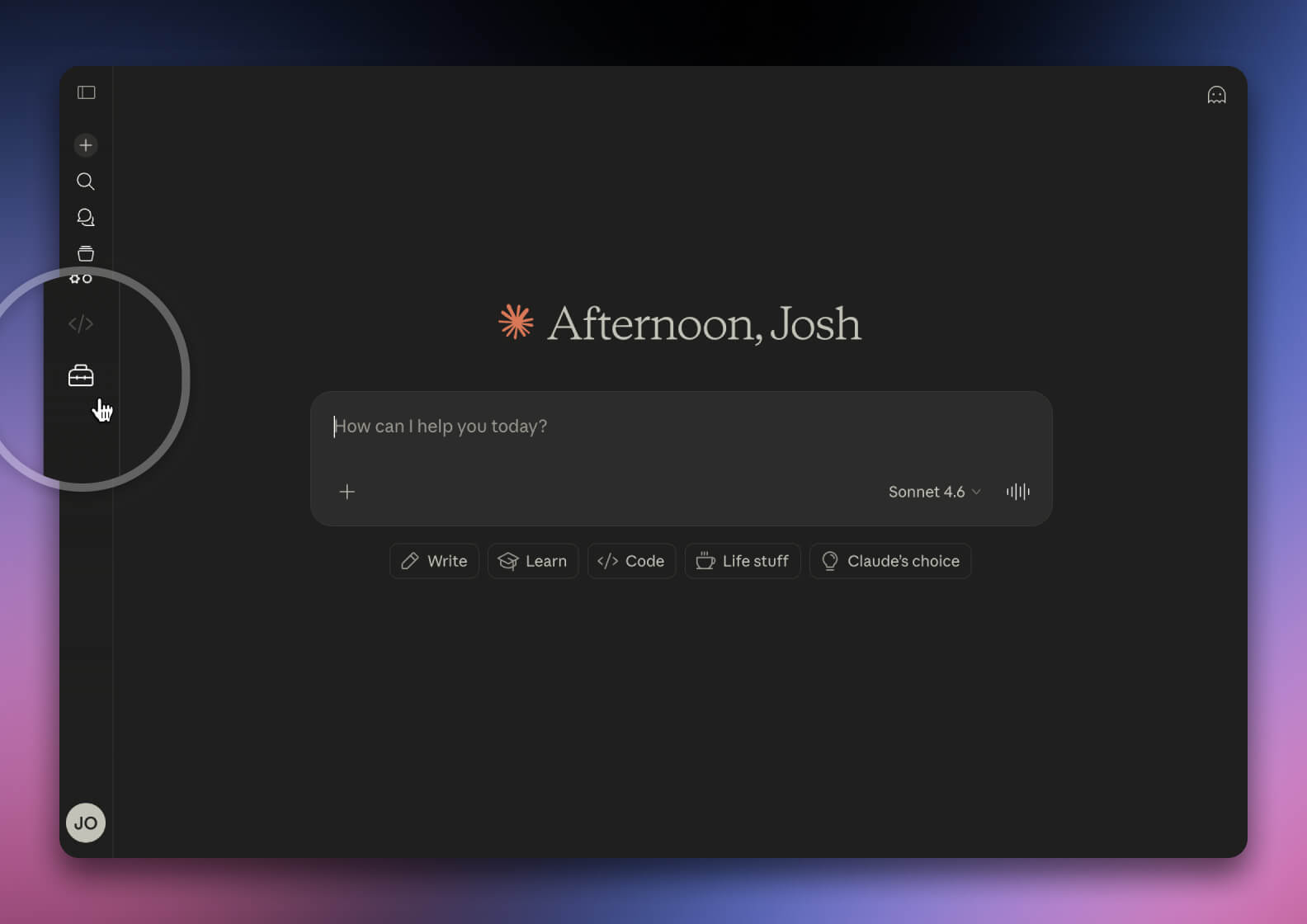
Clicking Connectors in Customise allows you to add external services to your Claude account. This is where Claude manages MCP server connections and integrations.
To add a custom connector, click the plus icon near the top of Customise and select Add custom connector.
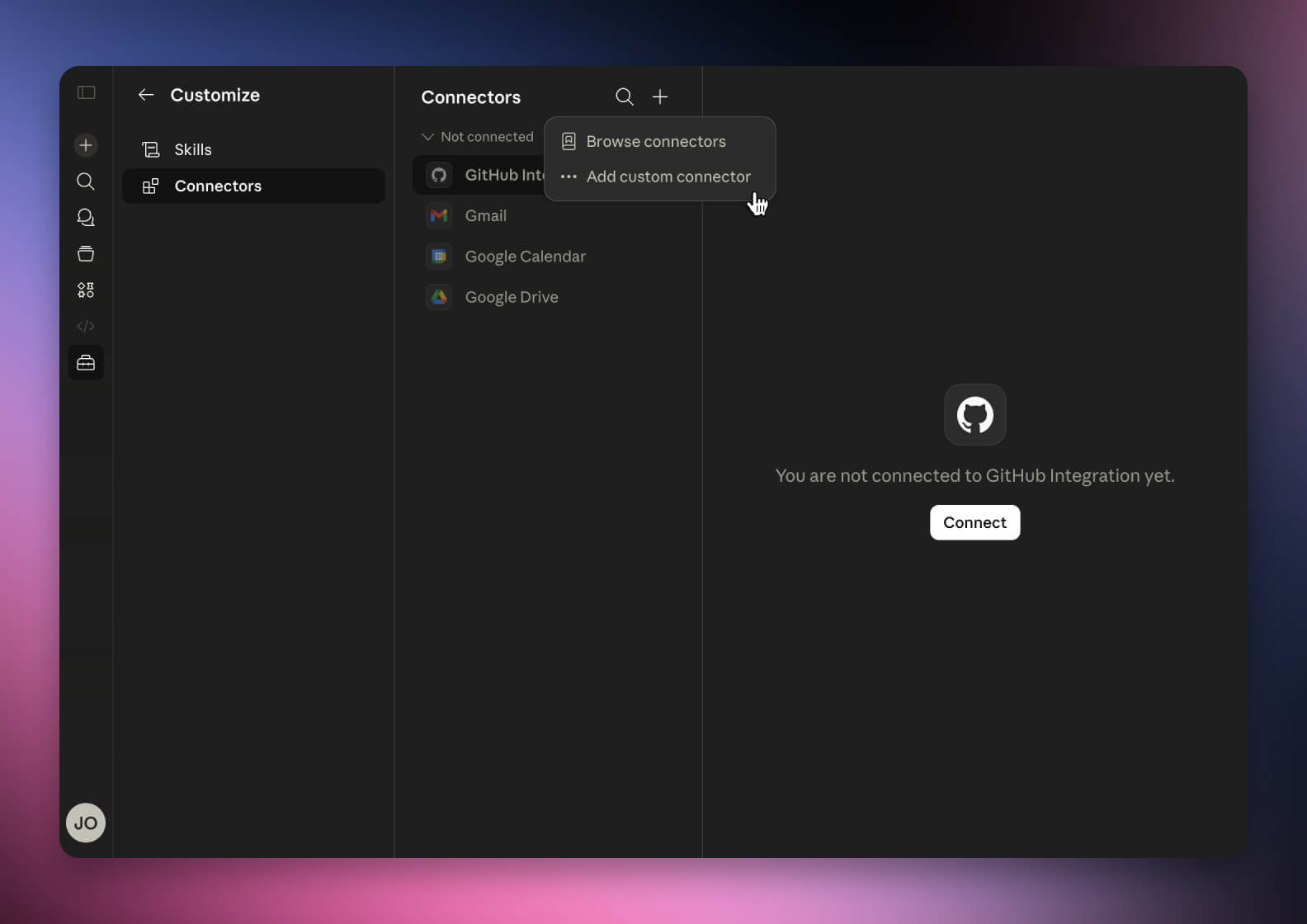
Claude will prompt you for connection details and configuration values.
Enter the following as seen below:
Swallow SERFF & https://api.serff.ai/mcp
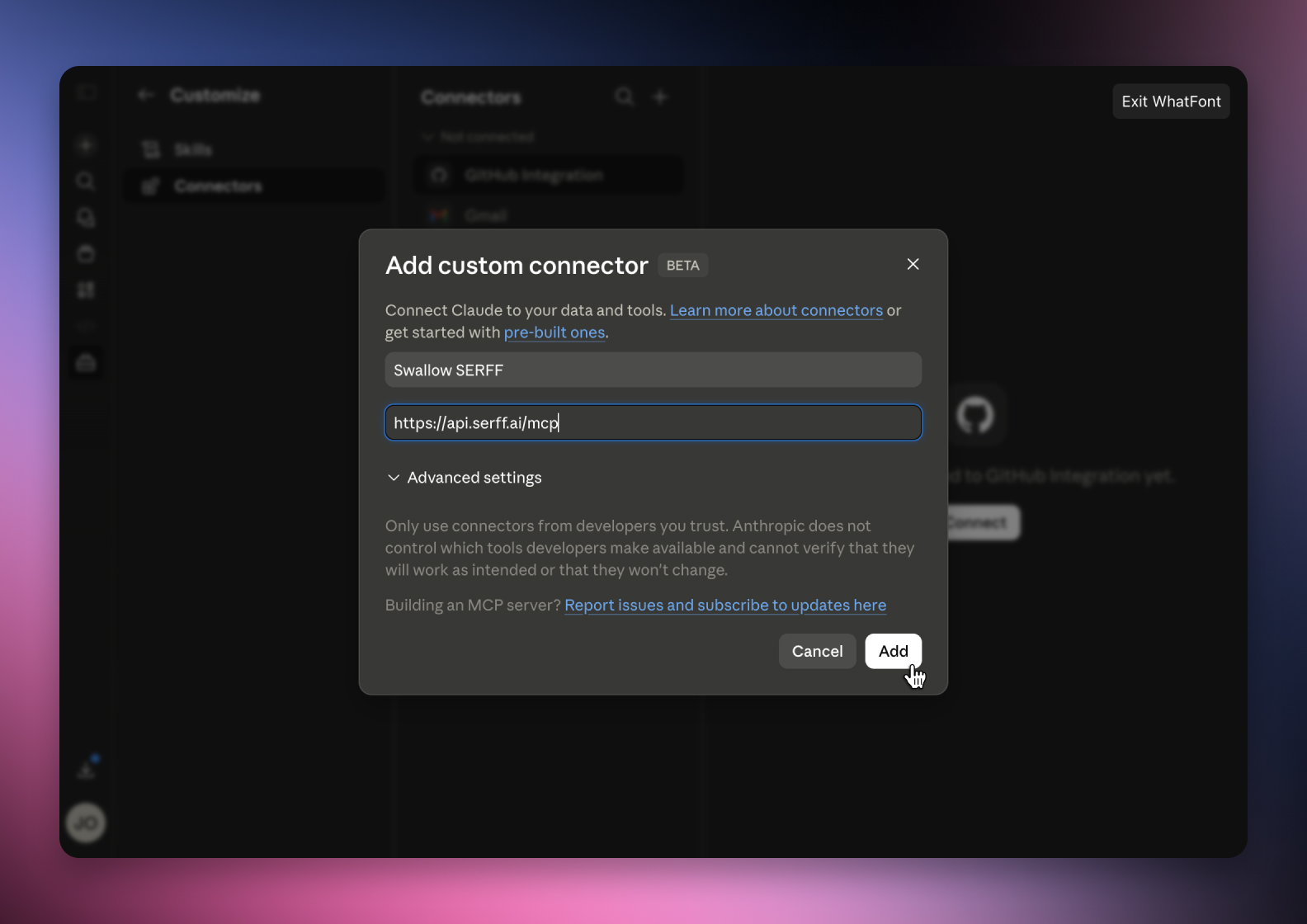
Save the MCP server configuration within Claude.
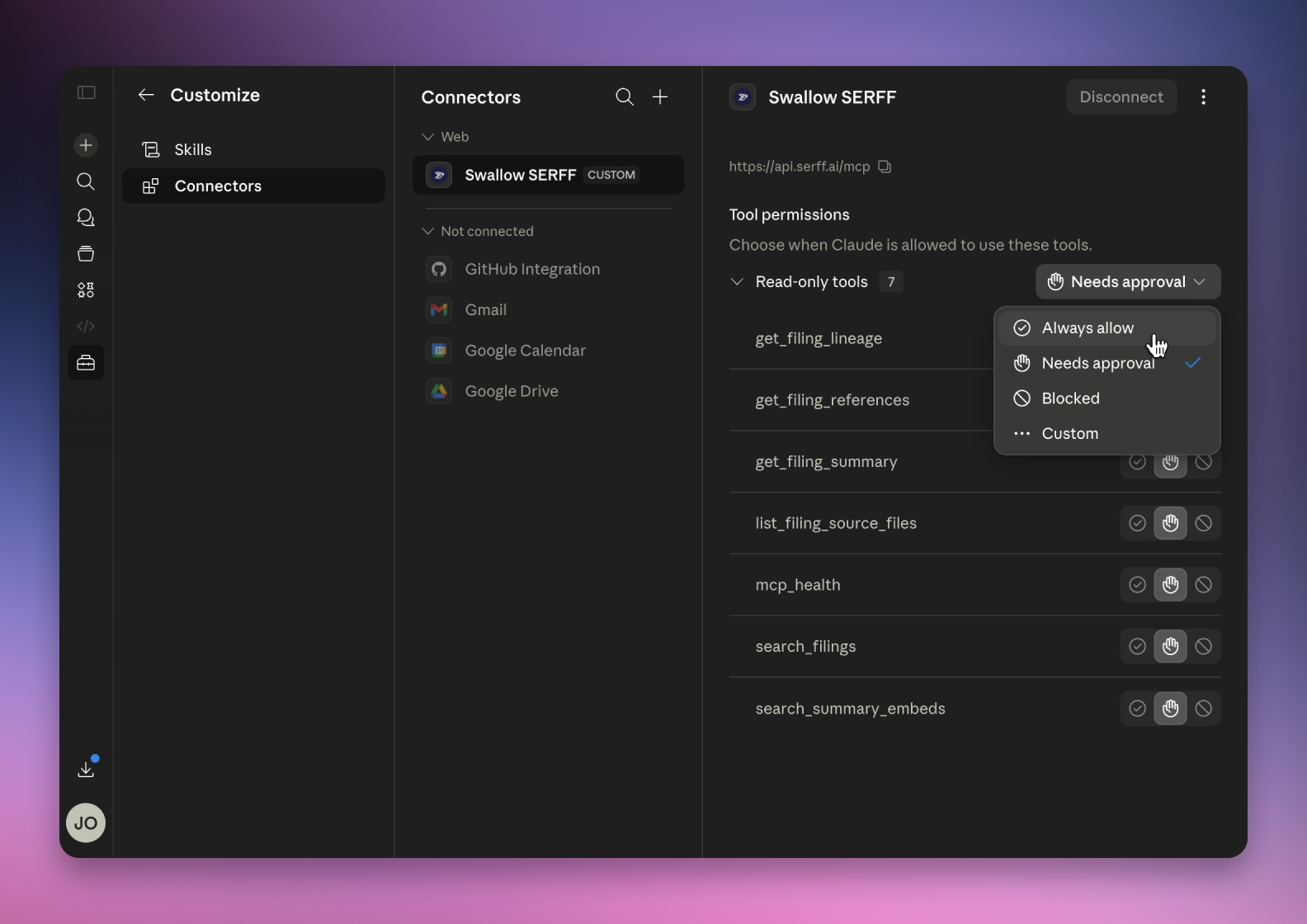
Claude will validate the connection and prepare the integration. You’ll see a list of Swallow tools now connected to Claude here.
You can now directly query your pricing infrastructure from chat.
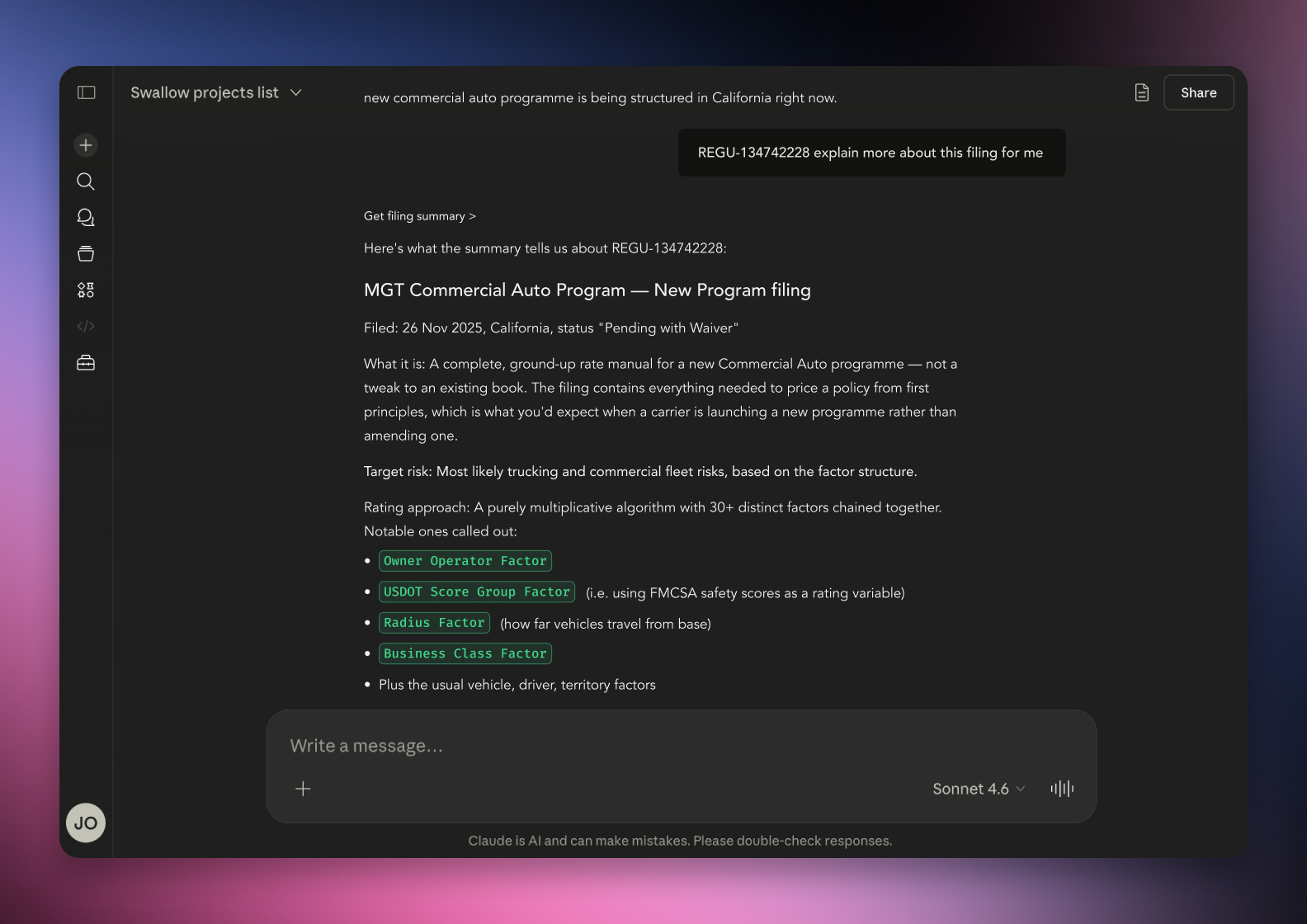
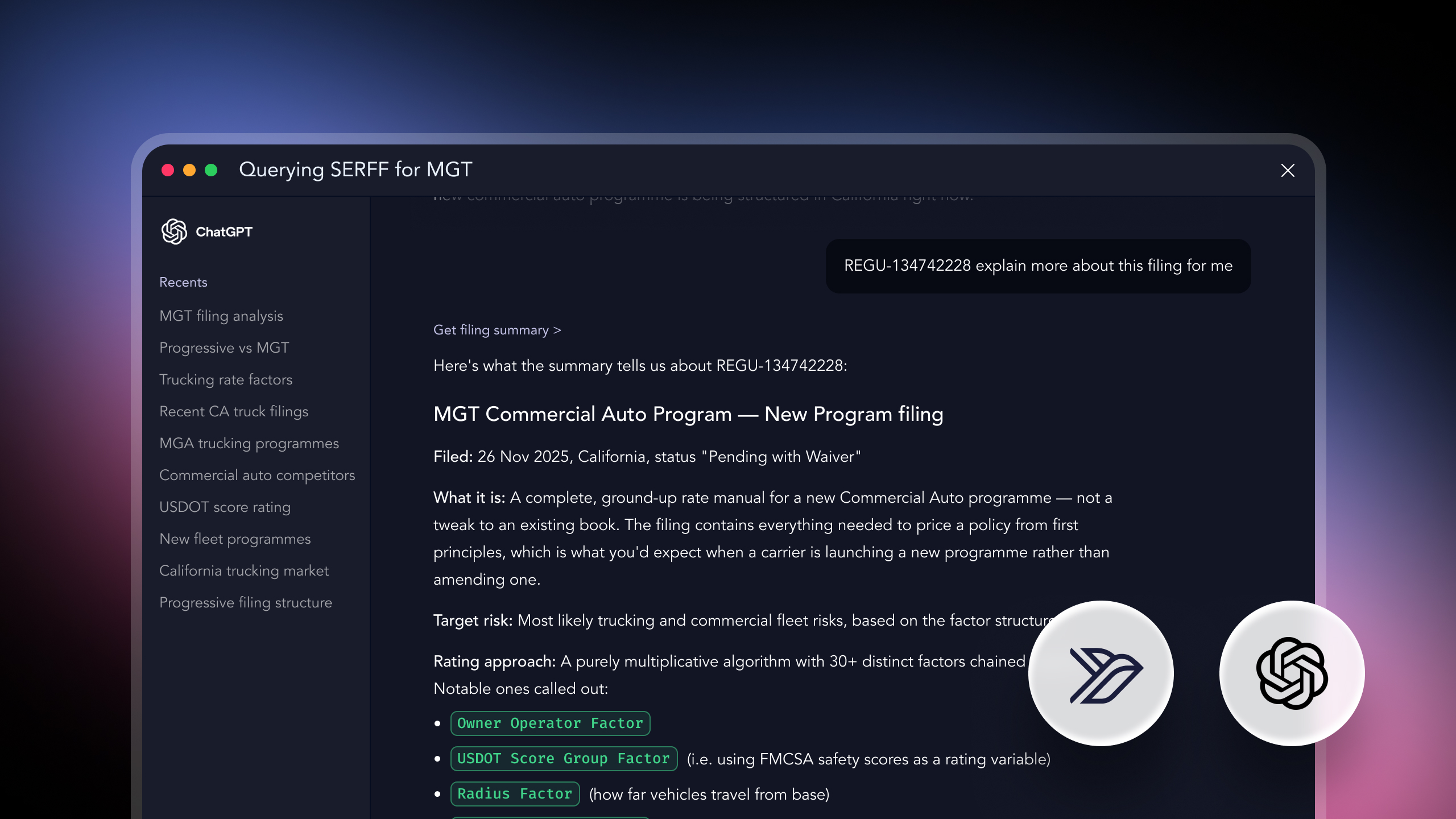
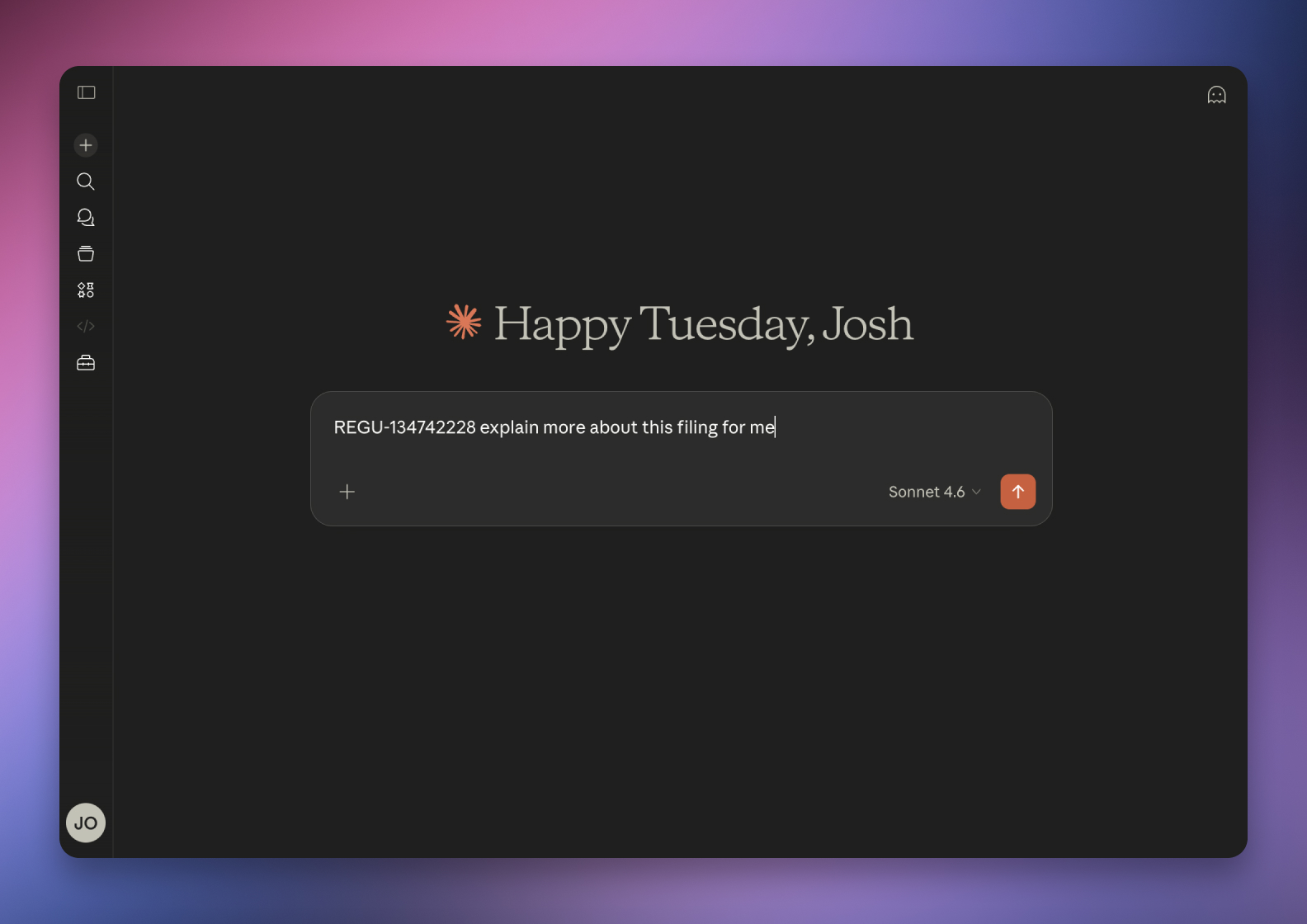
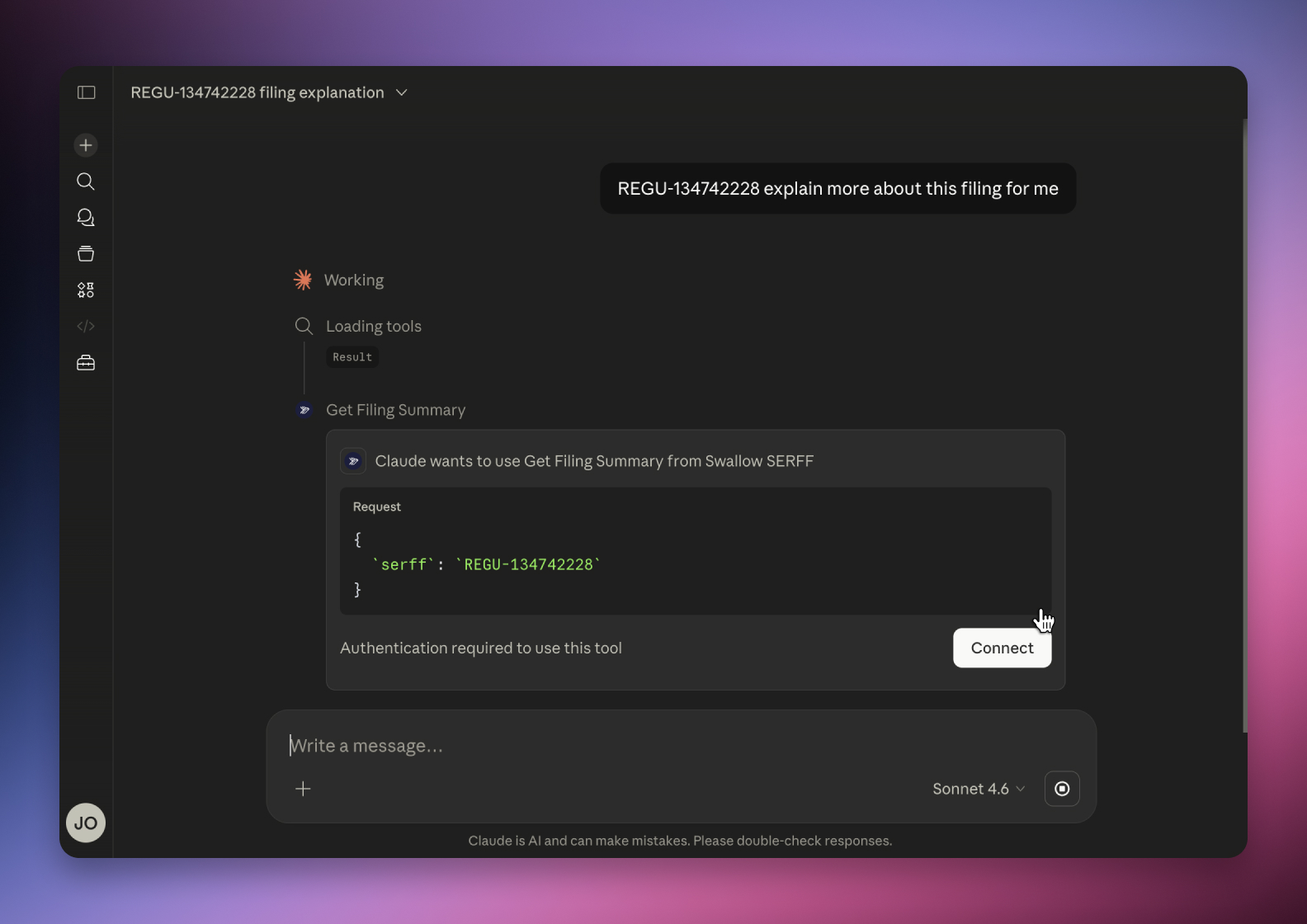
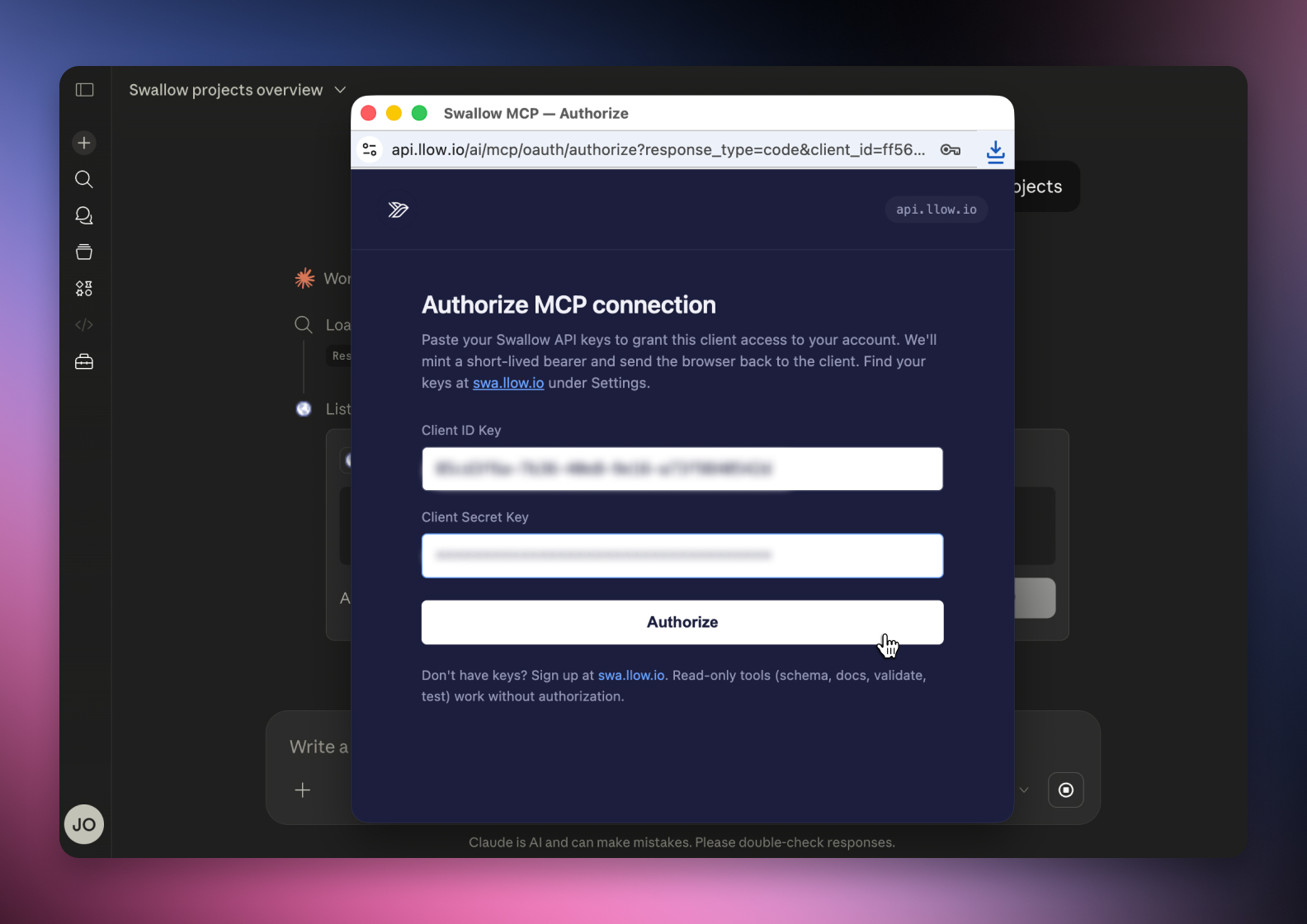
Begin a new chat with Claude and ask it REGU-134742228 explain more about this filing for me. This will prompt Claude to request your Swallow API credentials, which we discussed in Step 1. Click Connect and a window will appear where you can enter your two unique API keys.
Pasting them in will securely and privately connect Swallow to your specific projects.
You can find your MCP credentials in Settings → API → Copy the User Keys
Once authenticated, return to your Claude tab or client. You should now have access to Swallow's SERFF search and filing tools directly within Claude. With the integration active, Claude can securely search, analyse and interact with insurance filings using natural language prompts.